

When you ask Gemini for help, it only replies, "I'm just a language model; I can't help with this." (The English interface is...) I'm just a language model, so I can't help you with thatThis isn't a system crash, it's a Gemini issue.Fixed Refusal SentencesThe system determines that it shouldn't do the request, can't do it, or the current tool isn't running, and then rejects it with the same message. The problem is, it won't tell you which one it is.
This article summarizes the six most common reasons Gemini replies "I'm just a language model," along with corresponding solutions for each. First, let me clarify one point:Google has not disclosed the full trigger conditions for this statement.The following are recurring issues reported by users and compiled by third parties that can be verified by yourself. Try them in order, and you can usually find out which one it is within a few minutes.
Do these 3 things first: Quickly eliminate possibilities in one minute
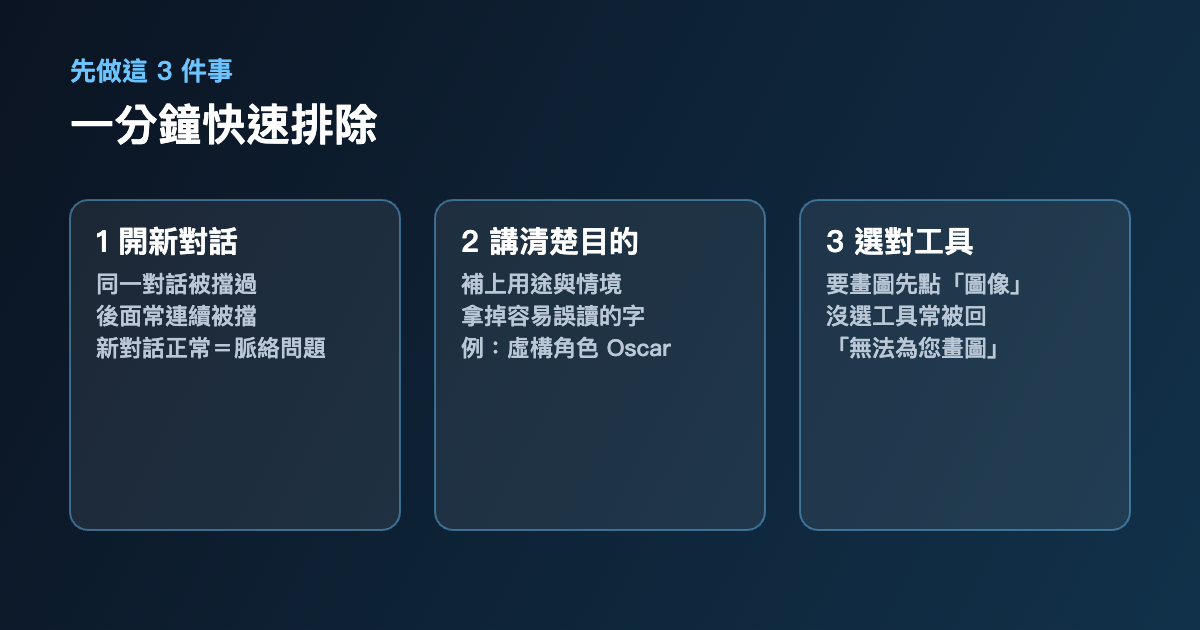
- Start a new conversation and ask again.If you've been rejected once in the same conversation, subsequent messages will often be blocked. Starting a new conversation is the quickest way to identify the problem: if the new conversation is normal, the issue lies in the structure of the earlier conversations.
- To put it another way, let's make the purpose clear.For example, changing "Write a story about so-and-so" to "Help me write a short story about a fictional character named Oscar" is more likely to result in a rejection. Vague requests that could be misinterpreted as having sensitive purposes are the most likely to be rejected.
- Make sure you select the feature you want.To draw a diagram, first click the "Image" tool next to the input box and then give the command; if no tool is selected, Gemini will often reply "I am just a language model and cannot draw a diagram for you".
I tried all three, but Gemini still replied, "I'm just a language model." I then checked the reasons below.
6 common causes and corresponding solutions
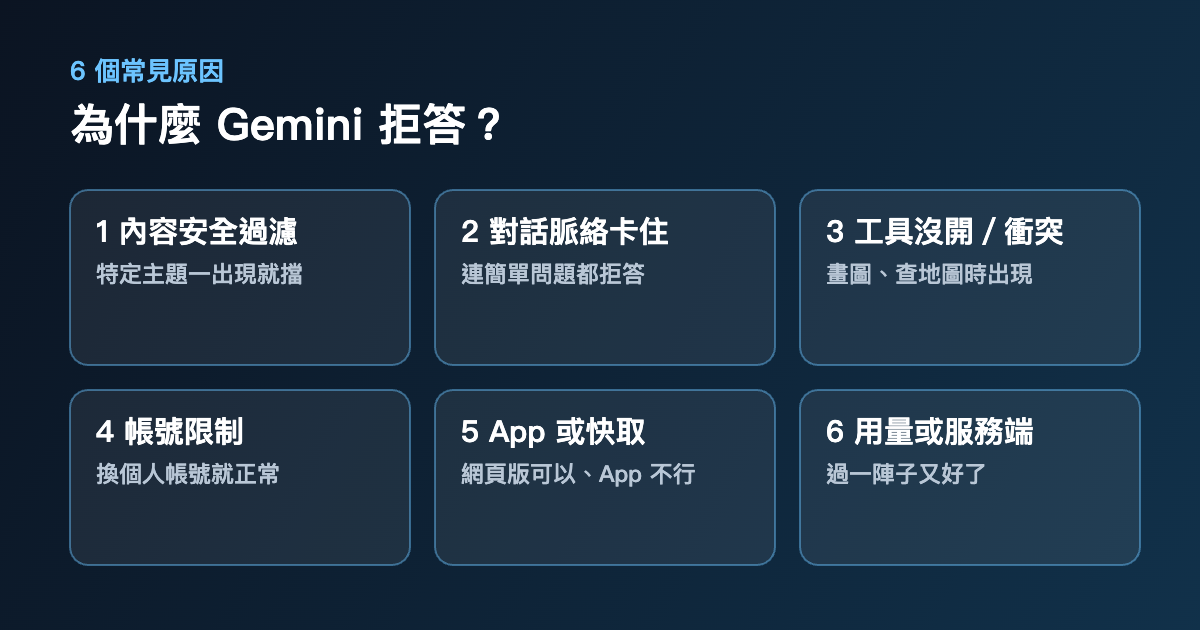
| reason | The situation you will see | How to handle it? |
|---|---|---|
| 1. Content security filtering | The app gets blocked as soon as a specific topic or word appears, but works fine when the topic is changed. | Add the intended use and context, and remove easily misinterpreted words; when dealing with sensitive topics such as real people, medical issues, and laws, change the question to general knowledge. |
| 2. The conversation got "stuck". | Even the simplest question is answered with the same sentence in the same conversation. | Start a new conversation directly; re-paste the background if needed. |
| 3. Tools or extensions are not enabled or conflict with each other. | It only appears when you need to look up maps, read letters, or draw. | First, select the correct tool (e.g., "Image"); then go to settings and turn off applications/extensions, and then open them one by one to find the conflicting one. |
| 4. Account Restrictions | It works normally when switching accounts on the same computer. | Company or school accounts may have their Gemini functionality restricted by the administrator; contact your Google Workspace administrator. For personal accounts, check age settings and parental controls (Family Link). |
| 5. App version or cache issue | The mobile app doesn't work, but the website gemini.google.com does. | Update the app, clear the cache, or switch to the web version first; Android confirms that the default digital assistant is Google. |
| 6. Usage limits or server status | It only appears after a period of heavy use, and then it gets better after a while. | Try again when the credit limit is restored or at a different time; if the network is unstable or a VPN is on, turn it off before testing. |
How do you determine which type it is? Use the "change condition" method to differentiate.
The debugging habits of engineers are just as useful here:Change only one condition at a time and see if the result changes..
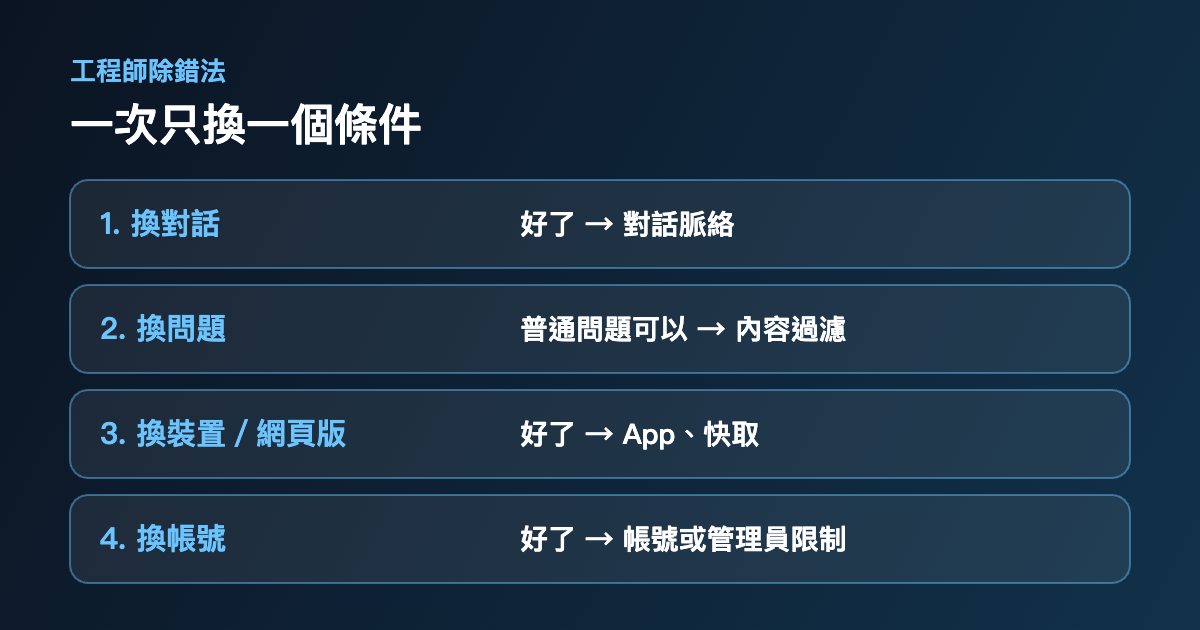
- Change dialogue(Same account, same device) → Okay: It's a problem with the flow of the conversation.
- Change the question(A common question in the dialogue) → Common questions can be: content filtering or word choice.
- Replace the device or switch to the web version → Okay: It's the App version, cache, or default assistant settings.
- Change account(Company account changed to personal account) → Okay: It's an account or administrator restriction.
If the problem persists after trying all four methods, it's likely a temporary issue with the server. Try again later and provide a screenshot from Gemini's "Explanation and Feedback" section.
Real-world example: rephrase the question, and the refusal to answer will cause it to disappear.
Often, Gemini's response, "I'm just a language model," isn't because it can't do it, but because the request is too short and the purpose isn't clear. In the following three situations, adding a contextual explanation will usually provide a satisfactory answer:
| The original way of asking the question | Rewritten | What's wrong with it? |
|---|---|---|
| Draw me a cat | (First, click the "Image" tool) Draw an orange cat sitting on a windowsill in a watercolor style. | When no tool is selected, I often get the response, "I'm just a language model, I can't draw diagrams for you." |
| Write a story about someone. | Please write me a 300-word fictional short story featuring the engineer Oscar. | Naming real people is easily blocked, so we'll use fictional characters and explain their purpose. |
| How much of this medicine can I take? | I'd like to understand the general principles of using this type of medication, and I'll ask the doctor about it later. | The medical and legal topics are explained clearly as requiring general knowledge checks, not judgments. |
If you still receive "I'm just a language model, I can't help with this" after rewriting, go back to the table above and eliminate options one by one from the dialogue context, tools, and accounts.
Why would an AI try to dismiss you with just one sentence?
Large language models themselves only predict the next piece of text based on context. Whether or not it can be done is determined by an outer layer of safeguards: security policies, account permissions, and whether tools are enabled. When a request is blocked by a safeguard, the product usually only gives a standard reply without explaining the reason. The "I'm just a language model" you see is this kind of reply; on the one hand, it avoids being able to deduce how to bypass the rules, and on the other hand, it is because there may be several reasons at the same time.
This is why when using AI as a work partner,Explain the task clearlyMore important than anything else. We previously conducted an experiment where Gemini served as an AI intern for a company. The results showed that it performed reasonably well 70% of the time, made mistakes 30%, and sometimes even "played dumb." The complete process is detailed below.Would you dare use AI employees? A corporate internship experience starring Google Gemini..
FAQ
Gemini keeps replying "I'm just a language model," has his account been banned?
Usually not. "I'm just a language model" is a standard response when someone refuses to answer, and in most cases, starting a new conversation, rephrasing the message, or choosing the right tool will resolve the issue. Only when switching accounts does it work normally should you suspect account or administrator restrictions.
Why can ChatGPT or Claude answer the same question, but Gemini cannot?
Each company has different security policies and thresholds. Where Gemini replies "I'm just a language model," other products might not necessarily block it; the same request will naturally yield different results on different products. If your purpose is legitimate, providing the context and objective will usually get Gemini to respond normally.
Every time I see the message "I'm just a language model," should I replace Gemini?
Don't panic. If "I'm just a language model" only appears for specific questions, it's most likely a problem with content filtering or question phrasing, which can be solved by rewriting. If even greetings are blocked, then it's a problem with your account, app, or server. Use the "change one condition at a time" method above to troubleshoot, and you'll usually know which one it is within 10 minutes, then decide whether to switch tools.
My company account can't use Gemini. Can I fix this myself?
No. Google Workspace's Gemini feature is controlled by your company's administrator. You need to ask IT or your administrator to confirm whether your account is authorized to use it.